Indigo Browser Review 2025: Anti-Detect Features, Pricing & Multi-Account Use
If you manage multiple online accounts—whether for traffic arbitrage, e-commerce, or social media marketing—you know the frustration of getting blocked or flagged. Indigo Browser positions itself as a robust anti-detect browser built on years of fingerprint spoofing expertise. But does it deliver? This review breaks down Indigo's core features, pricing tiers, real-world use cases, and how it stacks up against alternatives like Multilogin and AdsPower. By the end, you'll know if Indigo is the right fit for your workflow.
What Is Indigo Browser?
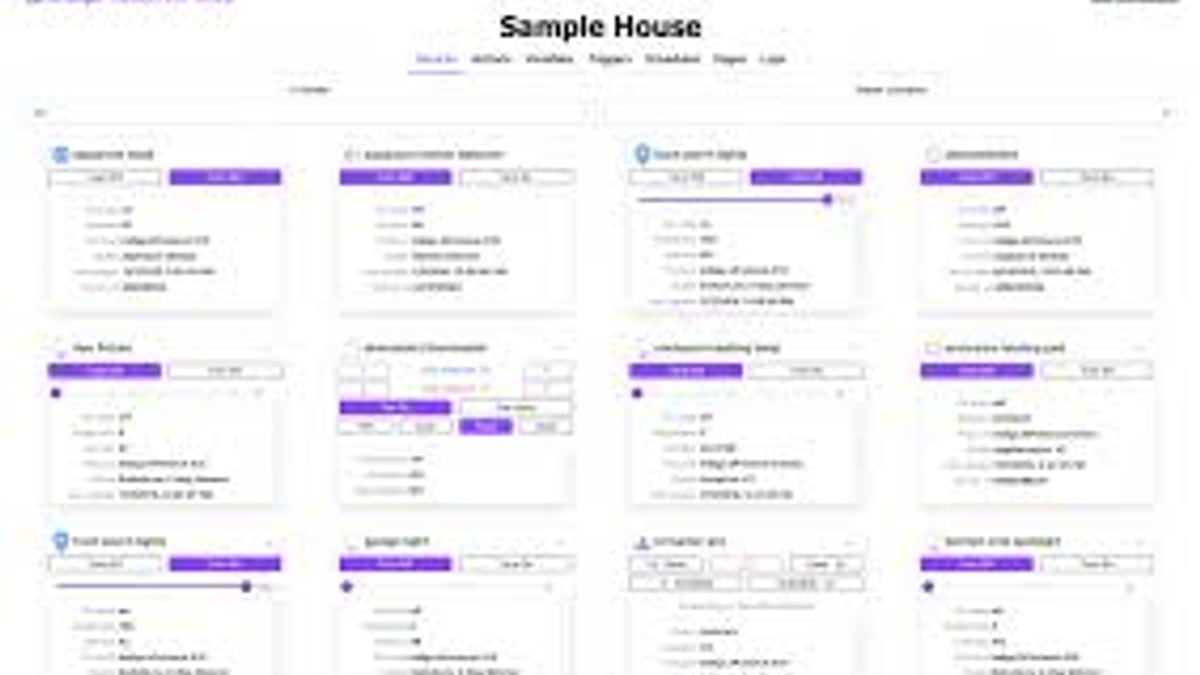
Indigo Browser Review 2025: Anti-Detect Features & Pricing - feature overview.
Indigo Browser is an anti-detect browser designed to create isolated, unique browser profiles. Each profile mimics a real user's device fingerprint—screen resolution, time zone, language, user agent, and more—so websites see each session as a separate visitor. This allows you to run multiple accounts on the same platform without triggering anti-fraud systems.
Indigo is built on two browser engines: Stealthfox (based on Firefox) and Mimic (based on Chrome). This dual-engine approach gives you flexibility depending on the target site's compatibility. Additionally, Indigo supports mobile Android profile emulation, letting you appear as a phone user from your desktop.
Key Features of Indigo Browser
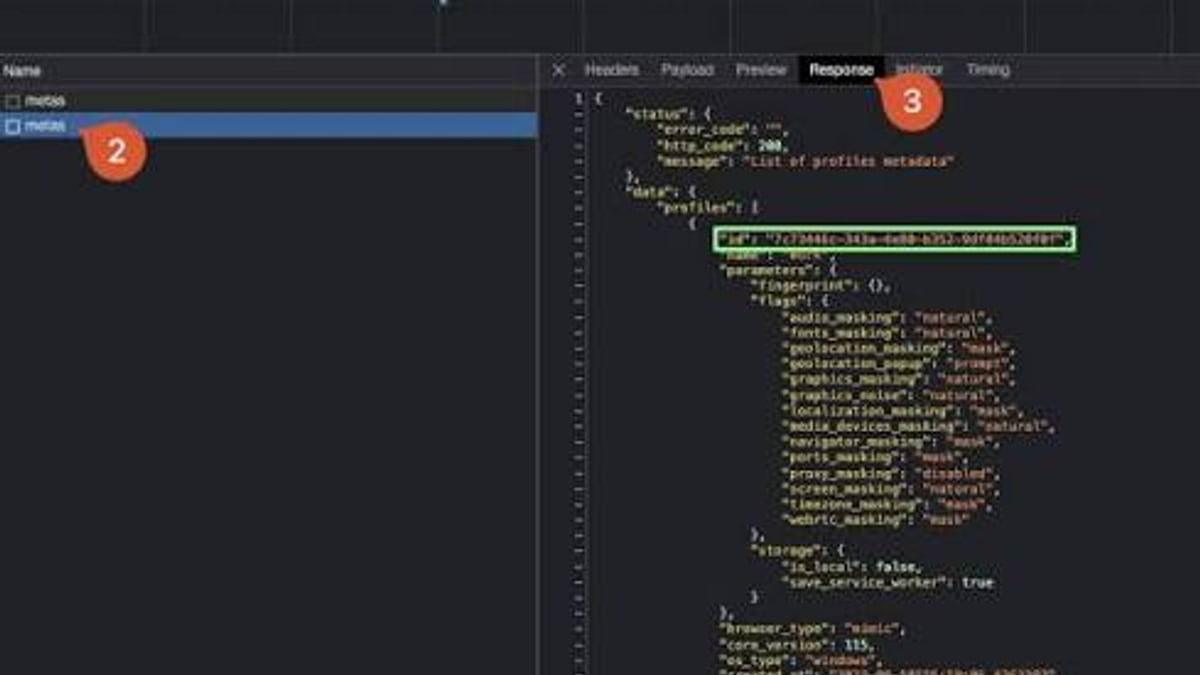
Indigo Browser Review 2025: Anti-Detect Features & Pricing - workflow example.
1. Fingerprint Spoofing with a Real-User Database
Indigo uses a proprietary database of millions of real device fingerprints. When you create a profile, the software matches your environment to a statistically common fingerprint from the database, rather than exposing your actual hardware signature. This database is updated frequently (last update noted as December 2024), keeping fingerprints current.
2. Built-in Residential Proxies
Indigo offers premium residential proxies directly integrated into the browser. You get access to IPs from over 150 countries with city and state-level targeting. Each plan includes a monthly traffic allowance (from 200 MB on the free trial up to 10 GB on Business). These proxies help avoid IP-based blocking and make each profile appear geographically consistent.
3. Automation via Open API
Indigo supports Selenium, Puppeteer, and Playwright for browser automation. This is crucial for users who need to scale account creation, data scraping, or repetitive tasks. The API also allows you to manage profiles and proxies programmatically.
4. Team Collaboration
For agencies or teams, Indigo provides role-based access control, profile sharing, and group management. You can assign different permission levels to team members, ensuring that sensitive profiles remain secure.
5. Quick Setup and Turbo Mode
Indigo emphasizes ease of use. You can create a profile in under two minutes. The "Turbo settings" optimize browser performance for faster loading, which is helpful when juggling many profiles simultaneously.
Indigo Browser Pricing Plans
Indigo offers several tiers to accommodate solo users and teams. All prices are in euros (EUR) and billed monthly or annually (20% discount on yearly plans). A 10-day free trial is available with limited profiles and traffic.
| Plan | Profiles | Team Members | Traffic (proxy) | API Access | Price (monthly) |
|---|---|---|---|---|---|
| Free Trial | 50 (local/cloud) | 0 | 200 MB | Yes (RPM 50) | Free |
| PRO 10 | 10 | 0 | 1 GB | Yes (RPM 50) | €9 |
| PRO 50 | 50 | 0 | 3 GB | Yes (RPM 50) | €79 |
| PRO 100 | 100 | 0 | 5 GB | Yes (RPM 100) | €159 |
| Business | 300+ | Unlimited | 10 GB | Yes (RPM 100) | €300+ (custom) |
Note: RPM stands for requests per minute via API. The free trial includes 50 profiles but only local/cloud storage limited to 50 profiles? Actually the table shows "50" for trial but with 200 MB traffic. Check official site for exact limits.
Who Should Choose Which Plan?
- Solo arbitrageurs or freelancers: PRO 10 or PRO 50 offers enough profiles and traffic for most campaigns.
- Small teams: PRO 100 gives 100 profiles and 2 team member slots.
- Large agencies: Business plan with unlimited members and custom profile count.
Use Cases for Indigo Browser
Traffic Arbitrage
Indigo is popular among affiliate marketers who run multiple ad accounts on platforms like Google Ads, Facebook, or TikTok. By isolating each account in a separate profile with a unique fingerprint and proxy, you reduce the risk of account bans due to "suspicious activity."
Web Scraping
When scraping e-commerce sites or social media, anti-bot systems often block repeated requests. Indigo's fingerprint rotation and proxy integration help you avoid detection. The API support for Selenium and Playwright makes it easy to automate scraping pipelines.
E-commerce Store Management
If you manage multiple stores on Amazon, eBay, or Shopify, Indigo lets you log into each seller account from a separate environment. This prevents cross-account linking and potential suspensions.
Bounty & Airdrop Hunting
Crypto enthusiasts participating in airdrops or bounties often need multiple wallets and social accounts. Indigo provides the isolation needed to manage these identities without raising red flags.
Indigo Browser vs. Competitors
| Feature | Indigo | Multilogin | AdsPower |
|---|---|---|---|
| Browser engines | Stealthfox + Mimic | Mimic + Stealthfox (same parent) | Chromium + Firefox |
| Mobile emulation | Yes (Android) | Yes (Android) | Yes (Android) |
| Built-in proxies | Yes (residential, 150+ countries) | No (integration with 3rd party) | No (proxy add-on) |
| API automation | Selenium, Puppeteer, Playwright | Selenium, Puppeteer, Playwright | Selenium, Puppeteer |
| Team collaboration | Yes (role-based) | Yes (advanced) | Yes (basic) |
| Starting price (monthly) | €9 (PRO 10) | €29 (Solo) | $5.40 (Starter) |
Verdict: Indigo is a strong contender if you value built-in residential proxies and a dual-engine approach. For users who need a lower entry price, AdsPower may be more budget-friendly. Multilogin offers a more mature ecosystem but at a higher cost.
How to Set Up Indigo Browser for Multi-Account Management
- Sign up on the Indigo website and download the application (Windows, macOS, or Linux).
- Start your free trial – you get 10 days to test the features.
- Create a new profile: Give it a name, select the browser engine (Stealthfox or Mimic), and choose whether to store locally or in the cloud.
- Configure fingerprint: Indigo automatically assigns a fingerprint from its database. You can manually override settings like screen resolution, time zone, and language.
- Add a proxy: Use Indigo's built-in residential proxy or import your own SOCKS5/HTTP proxy. For best results, match the proxy location to the fingerprint's time zone.
- Launch the profile and log into your target platform. Repeat for each account.
Tip: For bulk operations, use Indigo's API to create profiles programmatically. This is especially useful when managing hundreds of accounts.
Related reading
- MASQ Antidetect Browser Review 2025: Features, Pricing & Use Cases - Explore MASQ Antidetect Browser: fingerprint spoofing, multi-account management, pricing plans, and how it compares to alternatives. Practical guide for 2025.
- AEZAKMI Browser: Anti-Detect Tool for Multi-Account Management - Learn what AEZAKMI is, how it works as an anti-detect browser for multi-account management, and how to set it up with proxies for safe online operations.
- Ninja Browser: What It Is, Privacy Features & Better Alternatives - Explore Ninja Browser for Mac, Android, and Windows. Learn its privacy features, limitations, and the best anti-detect alternatives for multi-account management.
Frequently Asked Questions
Is Indigo Browser safe?
Yes, Indigo uses encryption and does not store your real fingerprint. Your profiles are isolated, and data is protected both locally and in the cloud.
Can I use Indigo for free?
Indigo offers a 10-day free trial with 50 profiles and 200 MB of proxy traffic. After that, you need a paid plan.
Does Indigo work on Mac?
Yes, Indigo is available for Windows, macOS, and Linux.
How does Indigo compare to Multilogin?
Both come from the same development lineage (Multilogin created Stealthfox and Mimic). Indigo is a newer, more affordable alternative with built-in proxies. Multilogin has a longer track record and more advanced team features.
Can I automate tasks with Indigo?
Absolutely. Indigo's API supports Selenium, Puppeteer, and Playwright, making it suitable for automated web scraping and account management.
Conclusion
Indigo Browser is a capable anti-detect solution for anyone managing multiple online identities. Its strengths lie in its dual-engine support, integrated residential proxies, and competitive pricing. While it may not have the brand recognition of Multilogin, it offers similar core technology at a lower cost. For solo arbitrageurs, small teams, and agencies looking for a reliable multi-account browser, Indigo is worth a serious look.
If you're exploring alternatives, check out our reviews of Multiloginapp and GenLogin for more comparisons.
External references: