ClonBrowser Review 2025: Multi-Account Automation & Fingerprint Browser
Managing dozens or hundreds of online accounts without triggering bans is a constant challenge for digital marketers, e-commerce sellers, and social media managers. ClonBrowser positions itself as more than a typical anti-detect browser—it's an automation-driven platform designed to scale multi-account operations. This review examines ClonBrowser's core features, pricing, real-world use cases, and how it compares to other tools in the space.
What Is ClonBrowser?
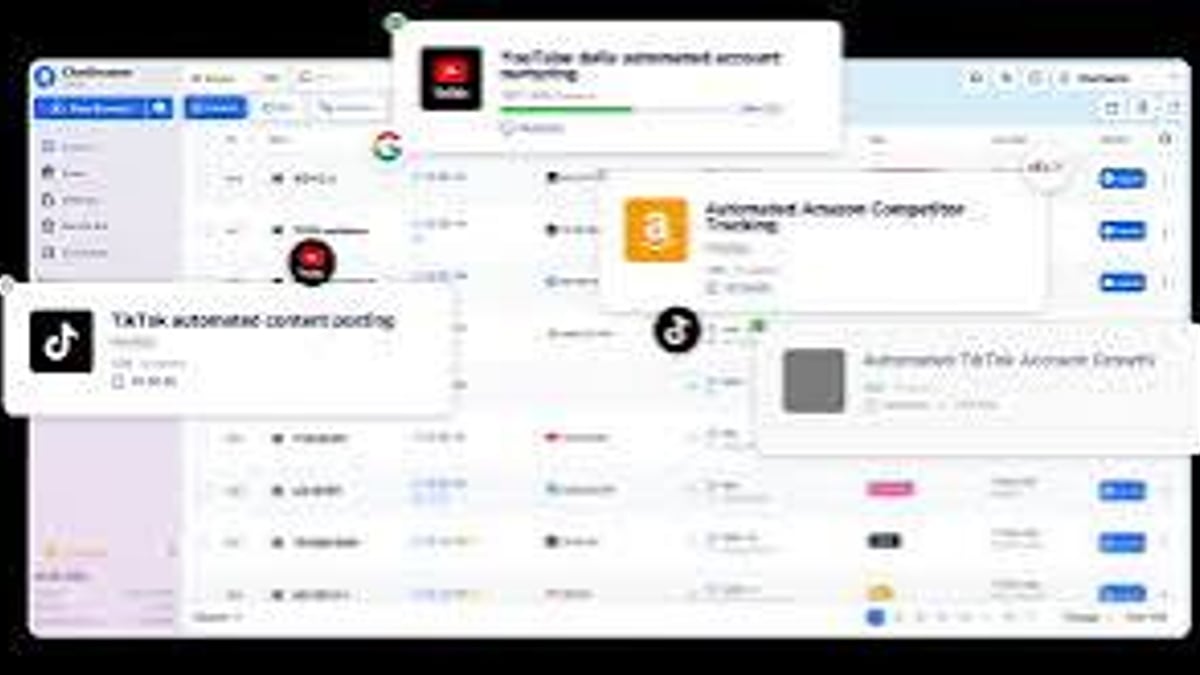
ClonBrowser Review 2025: Multi-Account Automation & Fingerprint Browser - feature overview.
ClonBrowser is a fingerprint browser that combines environment isolation with workflow automation. It allows users to create multiple browser profiles, each with unique digital fingerprints, and automate repetitive tasks like login, data collection, and account nurturing. Built on Chromium and Firefox engines, it supports Windows, macOS, Linux, and a web version.
Unlike traditional anti-detect browsers that focus solely on fingerprint spoofing, ClonBrowser emphasizes automation. Its workflow engine lets you chain actions—clicking, scrolling, form filling—into reusable scripts. This makes it suitable for teams that need to manage hundreds of accounts across platforms like Facebook, TikTok, Amazon, and Web3 dApps.
Key Features of ClonBrowser
ClonBrowser Review 2025: Multi-Account Automation & Fingerprint Browser - workflow example.
1. Fingerprint Environment Isolation
ClonBrowser provides three fingerprint modes:
- Real mode: Uses fingerprints that match the host device, ideal for high-stakes tasks like ad account management.
- Smart mode: Algorithmically generates unique, realistic fingerprints on each profile launch, good for scraping and registrations.
- Custom mode: Lets you manually tweak over 30 parameters (CPU, GPU, screen, fonts, WebRTC, Canvas, etc.).
Each profile runs in a fully isolated environment with separate cookies, cache, and local storage. This prevents cross-account association and reduces ban risk.
2. Automation Workflow
ClonBrowser's standout feature is its visual workflow builder. You can create automations using natural language or drag-and-drop blocks. For example:
- Log into a TikTok account
- Scroll through the feed
- Like and comment on posts
- Collect engagement data
These workflows can be scheduled, chained, and reused across multiple profiles. This transforms manual, repetitive tasks into automated, scalable processes.
3. Batch Task Scheduling
Run multiple tasks in parallel across different profiles. You can control execution order, resource allocation, and monitor status from a central dashboard. This is critical for operations like bulk account registration or mass data extraction.
4. Window Sync & Group Control
For semi-automated scenarios, ClonBrowser allows you to synchronize actions across multiple browser windows. A master control window can broadcast clicks, inputs, and navigation to all connected profiles. This is useful for training, demos, or coordinated social media engagement.
5. Proxy & Network Management
Supports HTTP, HTTPS, SOCKS5, and local proxy sharing over LAN. You can assign different proxies to different profiles and rotate them as needed. This is essential for geo-targeting and avoiding IP-based blocks.
6. Team Collaboration
Cloud sync for environments and task data. Team members can share profiles, proxies, and workflows. Role-based permissions and audit logs ensure security. This makes ClonBrowser suitable for agencies and remote teams.
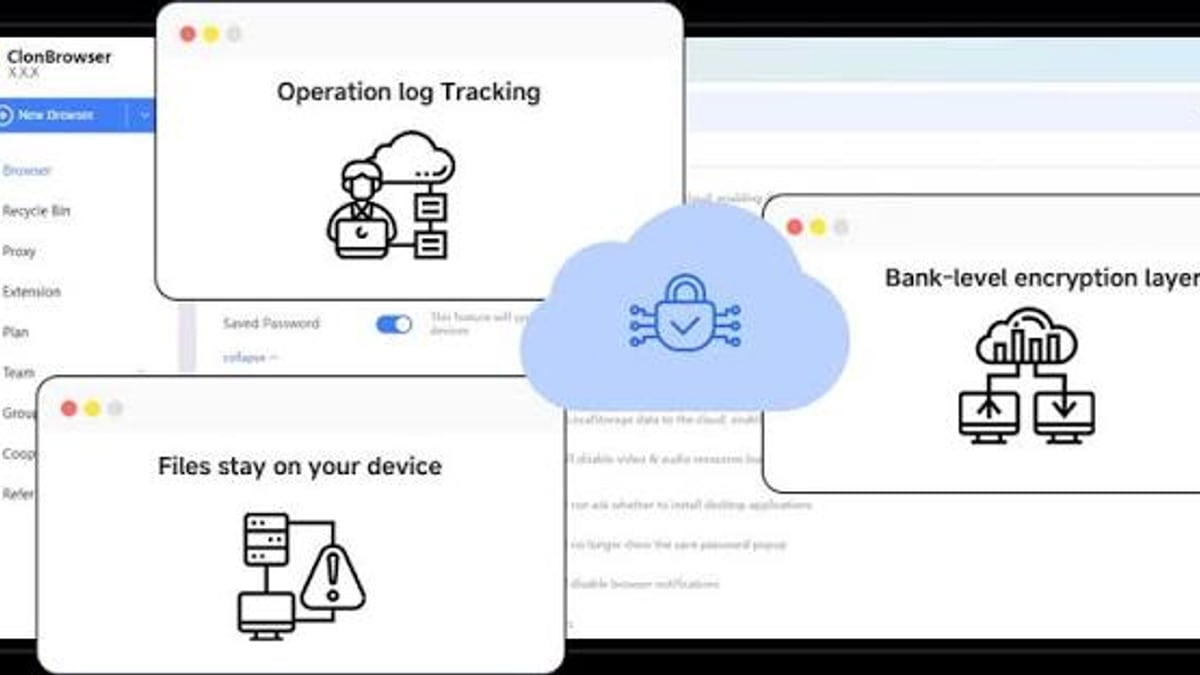
7. Data Security & Encryption
End-to-end encryption for all data transfers. Sensitive data (cookies, passwords) is stored locally by default. Strict access controls and audit trails protect against internal leaks.
ClonBrowser Pricing Plans
ClonBrowser offers a tiered pricing model to accommodate different scales of operation.
| Plan | Monthly Price | Profiles | Sub-accounts | Key Features |
|---|---|---|---|---|
| Free | $0 | Limited | 0 | Basic anti-detection, limited profiles |
| Basic | $9 | 10 | 2 | Proxy support, extended features, basic automation |
| Professional | $99 | Unlimited | Unlimited | Team management, advanced automation, API access, priority support |
| Enterprise | Custom | Unlimited | Unlimited | Custom workflows, dedicated support, SLA |
There's also a Web version with free online access for occasional users. Annual billing offers up to 20% discount. A free trial is available for premium features.
Use Cases for ClonBrowser
E-Commerce & Dropshipping
Sellers on Amazon, eBay, AliExpress, and Etsy use ClonBrowser to manage multiple storefronts without triggering platform restrictions. Each store gets a unique fingerprint and proxy, reducing the risk of account suspension.
Social Media Marketing
Agencies handling multiple client accounts on Facebook, Instagram, TikTok, and X (Twitter) rely on ClonBrowser's isolation and automation. Workflows can schedule posts, engage with followers, and collect analytics across dozens of profiles.
Affiliate Marketing & Traffic Arbitrage
Affiliates running multiple ad accounts on Google Ads, Facebook Ads, or Taboola use ClonBrowser to avoid ad account bans. Automation helps with bid adjustments, campaign monitoring, and data collection.
Web Scraping
ClonBrowser's smart fingerprint mode and proxy rotation make it effective for scraping e-commerce prices, social media trends, or competitor data without getting blocked.
Web3 & Crypto
Users managing multiple wallets, participating in airdrops, or interacting with dApps benefit from ClonBrowser's fingerprint isolation and automation. It supports Ethereum, Solana, and other blockchain platforms.
ClonBrowser vs Alternatives
When comparing ClonBrowser to other anti-detect browsers, consider these factors:
| Feature | ClonBrowser | Multilogin | GoLogin | Indigo Browser |
|---|---|---|---|---|
| Automation workflow | Built-in visual builder | Limited (via API) | Basic scripting | None |
| Fingerprint modes | Real, Smart, Custom | Real, Custom | Real, Custom | Real, Custom |
| Team collaboration | Cloud sync, roles | Yes | Yes | Yes |
| Free plan | Yes (limited) | No | Yes (limited) | No |
| Web version | Yes | No | No | No |
| Pricing start | $9/month | $99/month | $24/month | $30/month |
ClonBrowser's automation capabilities and free plan give it an edge for budget-conscious teams that need scalability.
Practical Example: Automating TikTok Account Nurturing
- Create profiles: Set up 10 TikTok profiles, each with a unique fingerprint and proxy.
- Build workflow: Use the visual editor to create a "Daily Engagement" workflow: login → scroll feed → like 5 posts → follow 3 accounts → comment on 2 posts.
- Schedule: Set the workflow to run at 9 AM, 12 PM, and 6 PM daily.
- Monitor: Check the dashboard for any failed logins or suspicious activity.
- Scale: Clone the workflow to 50 profiles with one click.
This approach reduces manual effort by 90% and keeps accounts active without triggering TikTok's anti-bot measures.
Related reading
- MuLogin Pro Review 2025: Features, Pricing & Anti-Detect Use Cases - Explore MuLogin Pro anti-detect browser: fingerprint isolation, team management, pricing plans, and practical use cases for e-commerce, social media, and affiliate marketing.
- Wade Browser Review 2025: Anti-Detect Features, Pricing & Setup - Explore Wade Browser (WADE X) anti-detect features: real fingerprints, mobile emulation, team tools, and pricing. Compare with alternatives and learn setup tips.
- SessionBox One Review 2025: Features, Pricing & Multi-Account Guide - Explore SessionBox One for multi-account management, fingerprint protection, and proxy support. Compare features, pricing, and see how it stacks up against alternatives.
FAQ
Is ClonBrowser free?
Yes, there's a free plan with basic anti-detection and limited profiles. Premium features require a paid subscription starting at $9/month.
Can ClonBrowser automate any website?
It works on most websites, but automation scripts may need customization for complex or heavily obfuscated sites. The script marketplace offers pre-built solutions for popular platforms.
Does ClonBrowser support team collaboration?
Yes. Cloud sync, role-based permissions, and shared resources make it suitable for teams.
How does ClonBrowser compare to Multilogin?
ClonBrowser offers stronger automation features and a lower entry price, while Multilogin has a longer track record and more mature fingerprinting technology. Choose ClonBrowser if automation is your priority.
Is ClonBrowser safe?
Yes. It uses end-to-end encryption and stores sensitive data locally. However, no tool can guarantee 100% anonymity—always follow platform terms of service.
Conclusion
ClonBrowser is a powerful anti-detect browser that goes beyond basic fingerprint spoofing. Its automation workflow, batch scheduling, and team collaboration features make it a strong choice for businesses that need to manage multiple accounts at scale. The free plan and affordable pricing lower the barrier to entry, while the web version adds flexibility for remote work.
If you're already evaluating other multi-account tools, you might find our reviews of MuLogin Pro and SessionBox One useful for comparison.
For teams that prioritize automation and cost-efficiency, ClonBrowser is worth a serious look. Start with the free trial to see if it fits your workflow.
External references: